Connecting payments, resident tracking, and maintenance into a single workflow is harder than it should be for property managers and HOA administrators. Many platforms hide direct payment support behind confusing fees or lock work order tracking within expensive upper-tier plans. This guide compares network features, mobile access, and billing structures so property managers can pick a work order management option that fits their portfolio size.
Table of Contents

At a Glance
Direct-to-manager payments land in the manager's Stripe account, with a configurable $1.00 flat platform fee per transaction. The site also advertises a broad suite for property and HOA operations, including resident billing, inspections, and maintenance tracking. Public pages returned limited content, and much of the site surface shows related search links rather than detailed product documentation.
Core Features
QuonSapp centralizes property records with a Multi-Property Portfolio dashboard and detailed resident profiles that include lease dates, pets, parking, and emergency contacts. The platform combines resident payments, invoicing, and overdue alerts with a Portfolio Dashboard for occupancy, labor, and maintenance metrics. Field teams can use the Native Mobile App and offline-capable screens to create work orders, attach photos, clock time with GPS, and export payroll-ready timesheets.
Key Differentiator
The primary public-facing oddity is that much of the site content resolves to search redirects rather than full product pages. That makes it hard to verify feature depth from public pages alone. The vendor materials still list integrated payments to the manager's Stripe account and multi-company linking as central capabilities.
Pros
QuonSapp groups property management needs into a single place, covering payments, HOA governance, and maintenance workflows. Its work order tools include photo documentation, vendor management, and a status pipeline from submitted to completed, which suits on-site teams. The platform also supports parent and sub-org linking for multi-company networks and offers real-time sync across devices, which helps managers who run multiple portfolios.
Cons
- Public site access is restricted and the visible content mostly shows search link redirects, so independent confirmation of features and onboarding details requires contacting sales or support.
Who It's For
Property managers, HOA administrators, and building supervisors who run several properties and need one place to track residents, invoices, and maintenance requests will find this relevant. Front desk staff and maintenance crews benefit from mobile work order creation with photo records and GPS clock in. Management companies that want consolidated stats across sub-organizations will appreciate the network linking features.
Unique Value Proposition
Direct-to-manager payments change the cashflow path by sending funds straight to a manager's Stripe account rather than to a third-party holding account. That setup, paired with per-resident invoicing, partial payments, and a running balance ledger, simplifies monthly dues collection. For multisite operators, consolidated network stats and per-seat consolidated billing reduce the manual reconciliation that often delays reporting.
Real World Use Case
A maintenance supervisor receives a tenant request through the portal and creates a Work Order Creation entry with photos and priority. The supervisor assigns the task to an in-house technician, who clocks in with GPS and attaches after photos upon completion. The manager posts the invoice to the resident, who pays via card, sending funds directly to the manager's Stripe account.
Website: https://quonsapp.com
Buildium
At a Glance
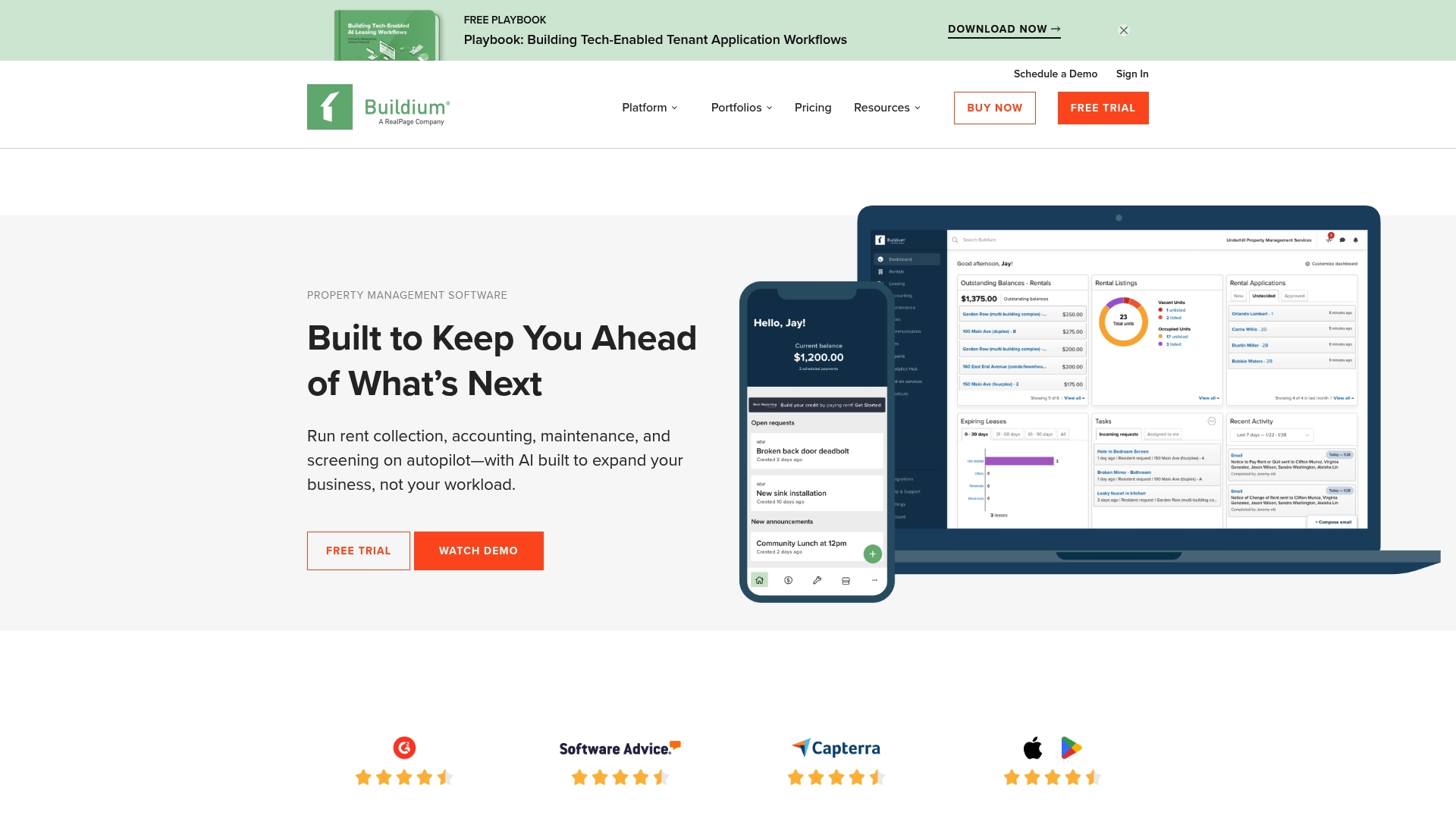
Buildium reports three published plan entry points starting at $62/month with a 14-day free trial. The platform bundles accounting, online rent collection, leasing, and maintenance tracking into a single property management system. That combination makes it a common choice for portfolios that need both bookkeeping and resident-facing tools.
Core Features
Buildium groups accounting, rent processing, and leasing workflows so managers run financials and tenant operations from the same dashboard. The system includes work order tracking with photo attachments, tenant screening via third parties, automated tax support for 1099 e filing, and mobile apps for field staff. An open API and a marketplace of partner apps let teams add third party tools or build custom connections.
Key Differentiator
Buildium emphasizes AI and automation applied to property management tasks. The vendor positions those features to reduce manual work on rent posting, tenant communications, and routine maintenance triage. That focus aims to cut the repetitive administration that often burdens property teams.
Pros
The product offers a full suite of property accounting tools and resident services that work together, which reduces context switching for staff. The vendor advertises high satisfaction ratings for customer support, and that customer service reputation is a frequent reason managers choose the product. The open API and Buildium Marketplace let IT teams extend workflows or integrate local vendor systems.
Cons
- Pricing may be expensive for very small landlords or single property owners.
- Some advanced capabilities require higher tier plans or add on costs.
- New users can face a learning curve during initial setup and customization.
When It May Not Fit
If you manage only one or two units and want a bare bones ledger, Buildium may feel more feature than you need. Small operators on tight budgets will likely find the entry pricing less attractive than lightweight alternatives. Teams that prefer a turnkey setup with minimal configuration may prefer a simpler tool.
Notable Integrations
- Buildium Marketplace apps
- Open API for custom integrations
Who It's For
Property managers and landlords running mid sized portfolios or larger associations will get the most value. Teams that need combined accounting and maintenance workflows benefit from the single platform approach. For a portfolio centric alternative, see QuonSapp or visit www.quonsapp.com for comparison.
Real World Use Case
A management company uses Buildium to post rent collections, route maintenance requests to field technicians, and produce monthly financial reports. Field staff update work orders and attach before and after photos from the mobile app. Management exports accounting data for tax filing and vendor payments without switching systems.
Pricing
Buildium publishes three plans with starting prices of $62/month, $192/month, and $400/month, and it offers a 14-day free trial. Tiers add advanced features and higher usage limits, so larger portfolios typically need the mid or top plan. Additional costs may apply for screening or marketplace apps.
Website: https://buildium.com
Smartwebs
At a Glance
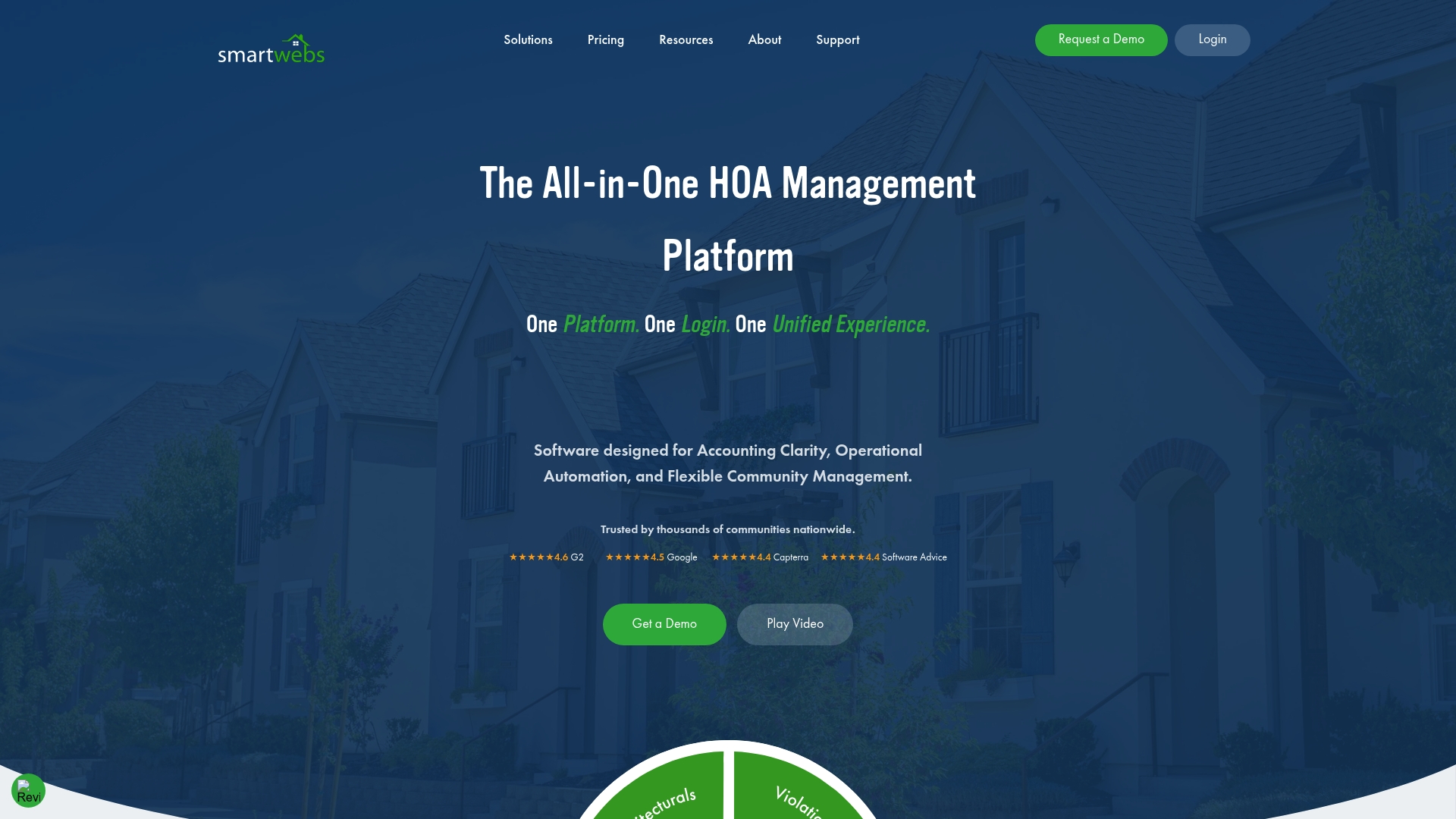
Smartwebs reports being trusted by thousands of communities nationwide. That vendor claim signals an emphasis on serving multi-community operations rather than single-building landlords. The product bundles accounting, violations, architectural reviews, resident portals, and maintenance tracking into one system for HOA teams.
Core Features
The platform combines accounting, communications, violations, architectural review workflows, resident portals, and work orders into a single record set so information does not live in separate tools. It offers Mobile apps for staff and board access in the field along with automation for dues collection, violation notices, and routine work order processing. The system also links to bank accounts for real-time reconciliation and clearer financial records.
Key Differentiator
Smartwebs centers on operational connectivity by keeping finance, compliance, and maintenance workflows in one place. This design reduces repeated data entry across modules and clarifies responsibility for each task. The result favors teams that manage multiple communities and need a single source of truth.
Pros
The unified approach reduces the need to copy records between accounting, violation tracking, and maintenance, which cuts manual handoffs and errors. Mobile access keeps field staff and board members aligned on job status and resident requests. Automation for dues and violation notices lowers routine admin work, and bank linking improves financial reconciliation accuracy; that figure about broad adoption suggests vendors serve many community scales.
Cons
-
The platform can involve a steep learning curve for new users because features are extensive. Training time may be needed before productivity gains appear.
-
Pricing requires contacting sales for a tailored quote, so budgeting cannot be confirmed from public materials. That model slows quick vendor comparisons.
-
Very small associations with only basic needs may find the feature set more than they require. Extra modules could add perceived complexity.
When It May Not Fit
If your association is a handful of units with simple banking and basic resident notices, Smartwebs may be more than required. Teams that want only a lightweight ticketing tool or a low-cost ledger will likely face unnecessary complexity and higher setup time. Organizations that prefer fixed, self-serve pricing also will need a different option.
Notable Integrations
The platform supports bank account integration for real-time financial data and reconciliation. That connection reduces manual ledger updates and speeds month-end close. No other third-party integrations are listed publicly.
Who It's For
HOA management companies, community managers, and self-managed homeowner associations running multiple properties will benefit most. Teams that need combined accounting, resident portals, violation workflows, and maintenance tracking from one vendor will get the most value. Solo managers of small communities will likely find the scope too broad.
Real World Use Case
A property management company consolidated accounting, violation processing, and resident communication into Smartwebs to remove duplicate spreadsheets. Field staff used the mobile app to update work order status with photos and reduce follow-up emails. Boards accessed consolidated financials and violation histories in the resident portal for faster governance decisions.
Pricing
Pricing is available by quote only. Prospective buyers must contact sales to receive a tailored plan and pricing based on portfolio size and required modules. The vendor does not publish starter tiers or per-seat rates publicly.
Website: https://smartwebs.com
ManageCasa
At a Glance
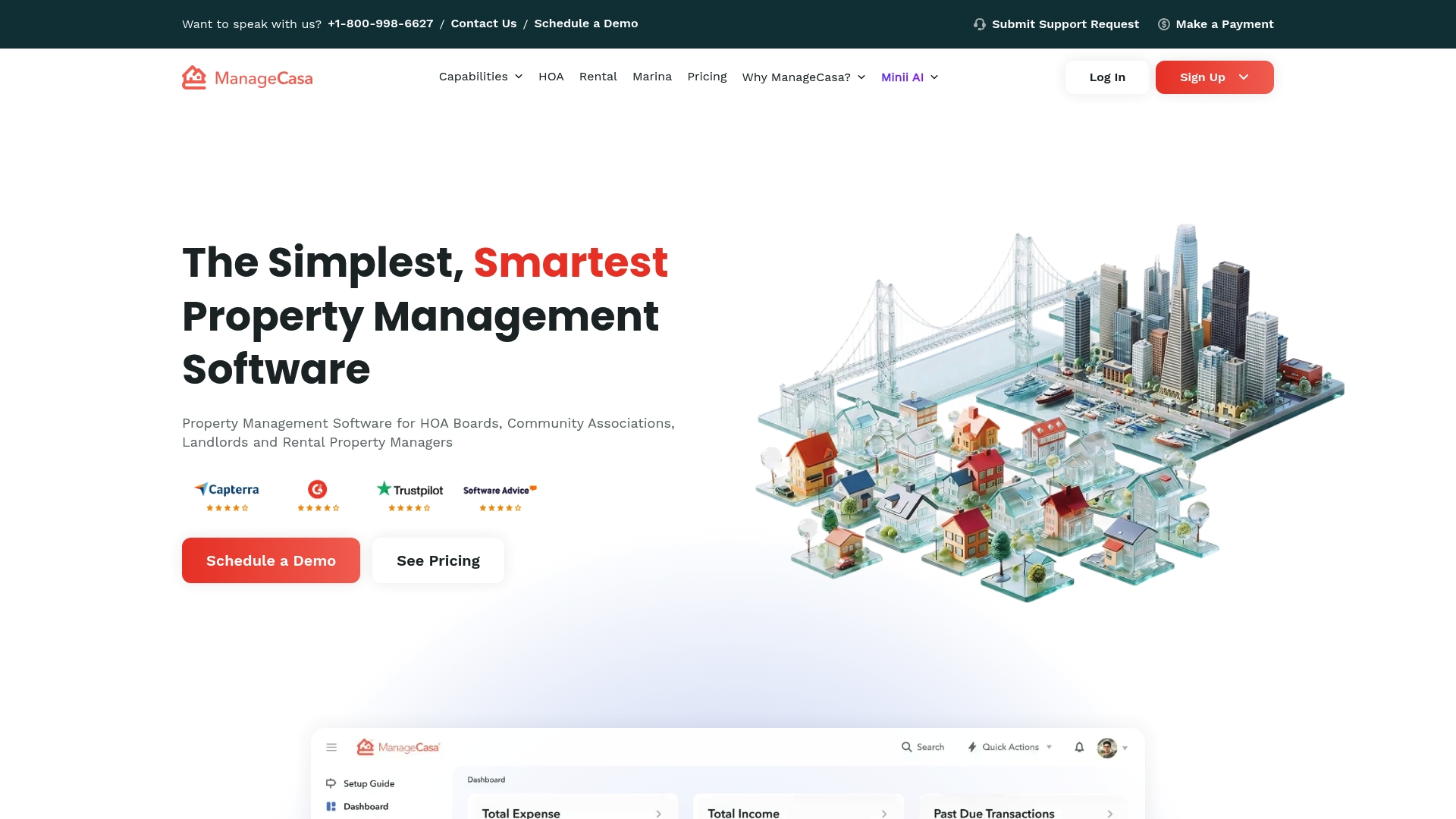
Starts at $1 per unit per month, with Base and Premium plans available. ManageCasa targets associations and mixed portfolios with dedicated modules for HOAs and rental properties. The platform includes a mobile app and guided onboarding to get teams working in the field quickly.
Core Features
ManageCasa bundles billing automation, resident portals, and built in property accounting into a single product, so managers can handle invoicing, reconciliation, and reporting without toggling between systems. It includes resident request and work order management with photo attachments, vendor management, and an AI powered virtual assistant for maintenance and leasing tasks. The product also offers a mobile app and live support during onboarding for teams that need help configuring accounts.
Key Differentiator
ManageCasa focuses specifically on community associations, with modules that match common HOA processes and board workflows. That focus means features such as violations tracking and ARC request handling are first class rather than add ons. For portfolios that mix rental units and association properties, the product keeps both workflows under one roof.
Pros
Automation reduces repetitive billing, vendor payouts, and bank reconciliation tasks, freeing staff to handle higher priority issues. The platform combines payments, accounting, resident communication, and maintenance tracking in one place, which shortens the number of tools your team must manage. Onboarding and live support receive strong emphasis, which helps larger portfolios adopt the platform faster while the AI powered tools assist common support and leasing queries.
Cons
-
Limited third party integration details are available. That may force reliance on ManageCasa native tools for payments and reconciliation.
-
Complexity may overwhelm very small or single property owners with no prior property management software experience.
-
Pricing can vary with add ons and feature tiers, so total cost may rise above the entry rate as you enable more modules.
When It May Not Fit
If you run a single building or have a handful of units, the product may feel more complex than necessary. Teams that depend on a long list of external integrations or a custom tech stack may find integration options unclear. Small landlords who want a minimal, low touch solution should compare simpler, lower feature local options first.
Who It's For
HOA managers, community association boards, and property managers who oversee multiple communities will get the most value from ManageCasa. Landlords with medium to large rental portfolios also benefit when they need accounting, payments, and maintenance tied together. The system best suits teams ready to adopt a structured onboarding process.
Real World Use Case
A management company using ManageCasa for a 300 unit HOA reduced time spent on dues collection and maintenance follow up by consolidating payment, accounting, and work orders in one place. Board members used the resident portal and violations module to track compliance, and field staff relied on the mobile app for photo backed work orders. For side by side comparisons with your current tools, check QuonSapp.
Pricing
Starting at $1 per unit per month, with Base and Premium plans available. The vendor lists onboarding and support tiers, and some features require higher plan levels or add ons. Confirm which modules you need and compare total per unit cost before committing.
Website: https://managecasa.com
Bidrento
At a Glance
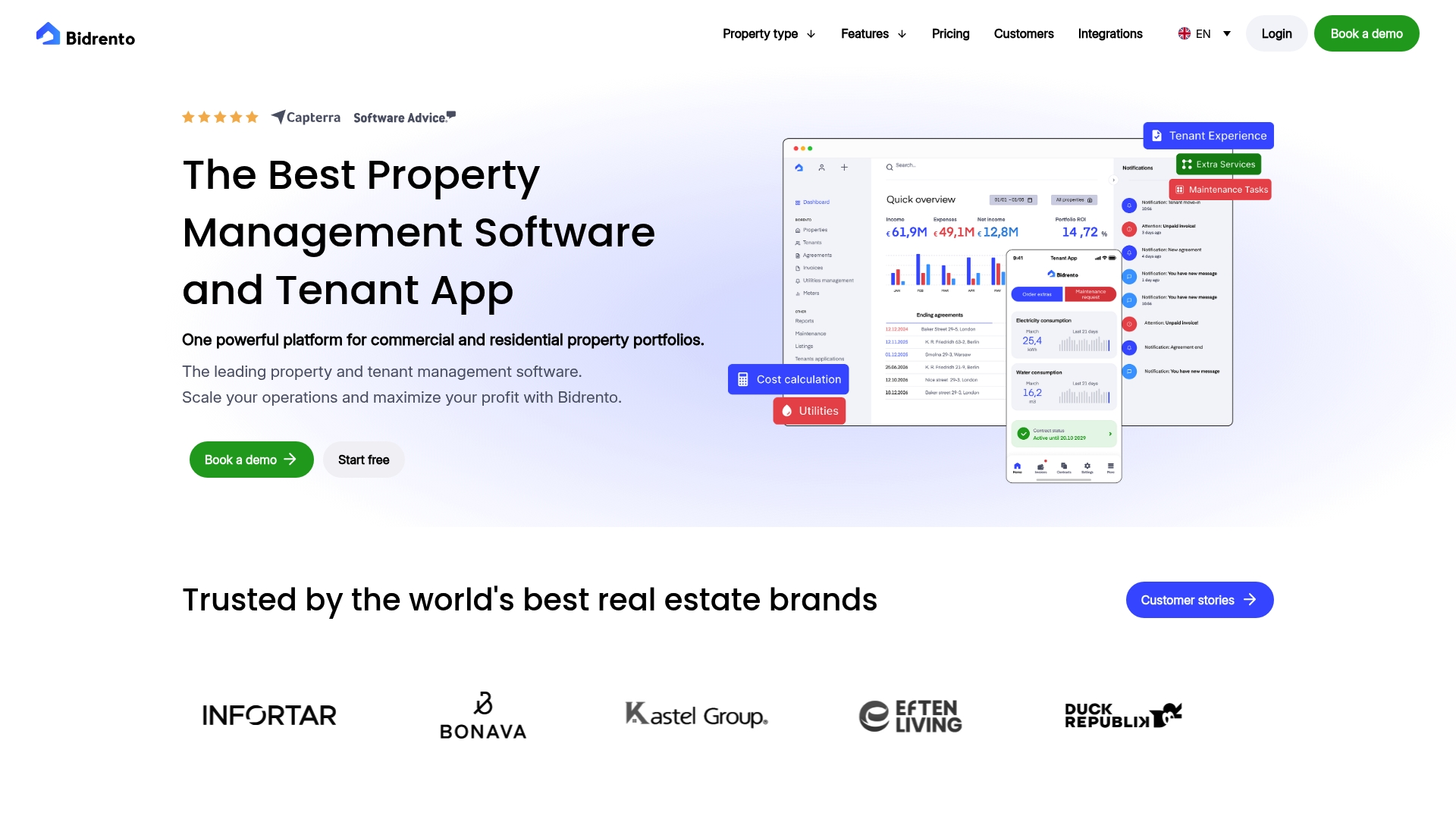
The vendor advertises backing from Morgan Stanley and multiple proptech awards. Bidrento automates billing, utilities, and cost allocation across both commercial and residential portfolios. Its tenant app supports payments, messaging, request submission, and document access under a white label option. That combination targets managers running mixed asset portfolios across Europe and the UK.
Core Features
Bidrento centralizes invoicing automation, utility billing with meter reading, and cost allocation so you can reduce repetitive billing tasks. The platform handles service requests and work orders, plus preventive maintenance scheduling and a tenant portal for payments and messages. Reporting and consolidated portfolio metrics help you track arrears, payment history, and maintenance status across properties.
Key Differentiator
Built in automation for billing and utility cost allocation is Bidrento’s standout feature. It supports both commercial and residential lease types within the same billing engine, which reduces manual reconciliation across mixed portfolios. That design intends to cut the time managers spend mapping costs to units and tenants.
Pros
The platform combines automated invoicing and utility allocation to reduce manual admin and accounting errors. It supports a wide range of property types and leasing models so the same system can serve multifamily, commercial, and hospitality assets. Strong integration options and dedicated onboarding aim to smooth migration and connect accounting, payments, and access control systems.
Cons
-
Setup and customization can be complex and may require vendor onboarding assistance.
-
Pricing may be high for smaller portfolios, with enterprise quotes handled case by case.
-
New users report a learning curve because the feature set is extensive.
When It May Not Fit
If you manage a very small portfolio or single property, the cost and implementation effort may outweigh benefits. Teams that need a lightweight ticketing tool rather than full accounting and billing automation will find the platform more than they need. Organizations with minimal internal IT support should budget for onboarding help and training.
Notable Integrations
-
accounting software
-
payment providers
-
meter reading systems
-
access control systems
-
Google Calendar
-
Smart locks
Who It's For
Property managers and owners running multiple residential, commercial, or hospitality assets will get the most value. Teams that need automated billing and utility allocation across mixed lease types benefit most. Compare feature sets with QuonSapp or view specific modules at https://www.quonsapp.com/features before deciding.
Real World Use Case
A regional property manager consolidated billing and tenant onboarding after moving to Bidrento. They automated rent invoicing, integrated meter reads for utilities, and routed maintenance requests into a single workflow. That change reduced manual reconciliation and improved tenant response visibility across their portfolio.
Pricing
The vendor lists plans from €56/month, with options for larger portfolios and custom enterprise solutions. Enterprise pricing is quoted per account and depends on portfolio size and required integrations. For exact rates request a demo or a custom quote on the vendor site.
Website: https://bidrento.com
Pilera
At a Glance
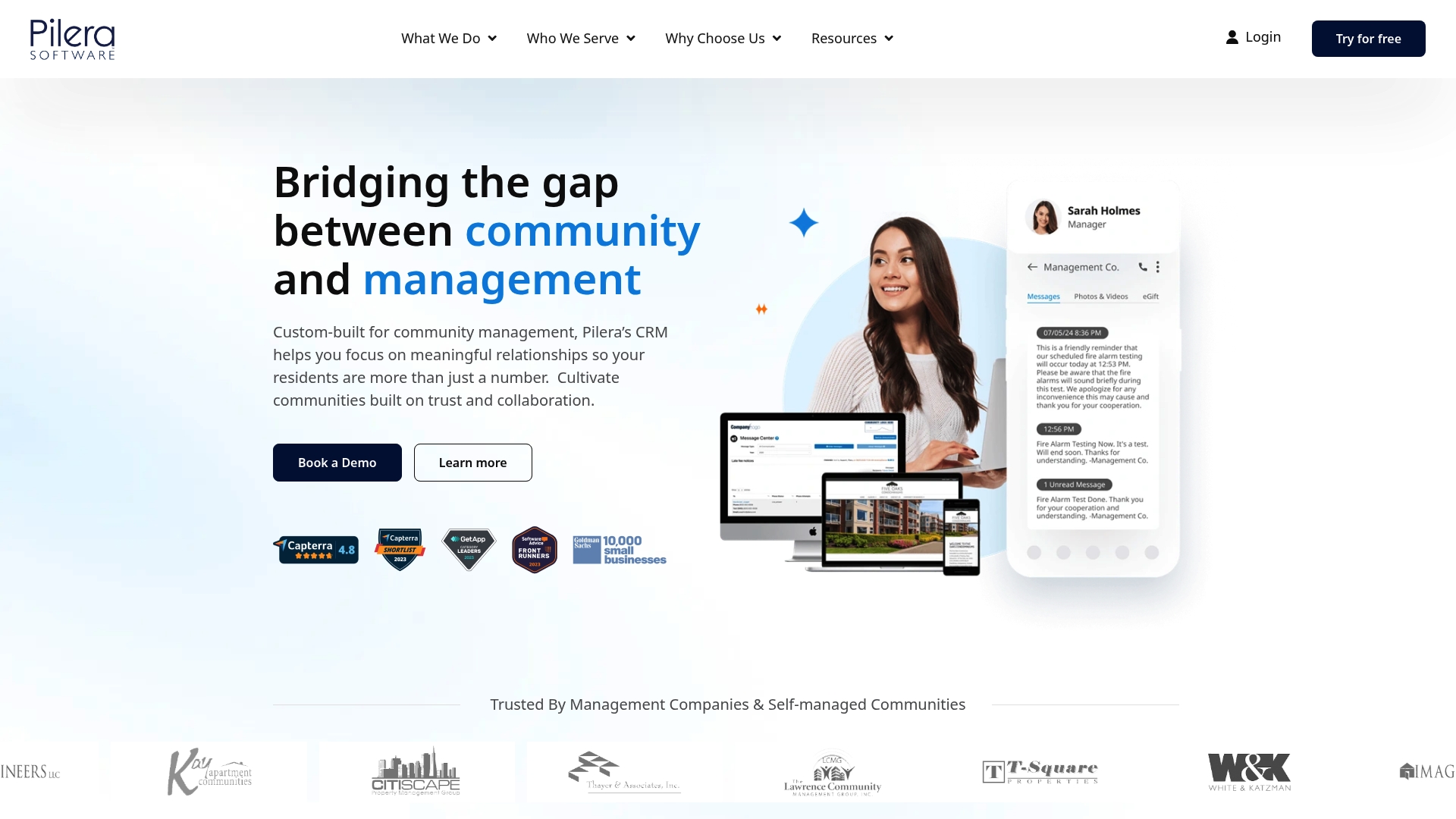
Pilera reports a 4.8/5 rating on Capterra from 28+ reviews, and the company has remained founder-owned since 2008. The product mixes community CRM features with resident portals and electronic voting. That combination targets association managers who need both outreach and operational tools.
Core Features
Pilera combines a Community CRM with multi-channel communications that include text, email, phone, and postal options to reach residents where they prefer. The system handles work orders, violations, ACR management, help desk ticketing, and resident self-service portals alongside HOA websites and online voting powered by Ballot Bliss. Procurement features cover RFP processes and vendor ratings so boards can manage projects and vendors from one place.
Key Differentiator
Pilera pairs relationship-focused CRM capabilities with operations tools tailored for community associations. That blend reduces context switching for managers who previously used separate systems for communications, work orders, and voting. The vendor emphasizes ongoing education and support to help associations adopt the full suite.
Pros
Pilera is highly configurable for varying community sizes and governance models, which helps property managers adapt workflows to board rules and covenant processes. Its resident portal and electronic voting integration centralize member engagement and decision workflows. The company provides extensive educational resources including webinars and a help center, and that depth of support complements the product for teams that need training. That reported customer rating also suggests strong satisfaction among reviewers.
Cons
- May be complex for very small or low-tech communities. The number of options can create administrative overhead.
- Full adoption often requires initial setup and staff training. Smaller teams may need extra implementation time.
- Pricing can become higher when multiple modules are required. The vendor lists scalable quotes but detailed pricing varies.
When It May Not Fit
Pilera is not the best match for volunteer-run, single-community boards with minimal technical capacity. Organizations without staff available for setup and training will likely underuse advanced modules. Communities that want a single inexpensive tool for only basic announcements and payments should consider lighter alternatives.
Who It's For
Pilera suits community managers, HOA board members, and regional management firms running multiple associations who want CRM and operations in one system. It also fits management startups needing voting, website, and procurement features alongside resident portals. Self-managed associations that can dedicate a small administrative resource will benefit most.
Real World Use Case
A management company uses Pilera to log and assign work orders, send targeted resident texts and emails, run online votes, and host HOA websites across several condo associations. Staff attach photos to tickets and maintain vendor ratings inside the same tenant profile. For comparison resources visit www.quonsapp.com or https://quonsapp.com.
Website: https://pilera.com
Comparison of alternatives
Balancing operational comprehensiveness and workflow efficiency raises critical differentiation across property management solutions for varying organizational needs. Solutions such as QuonSapp, Buildium, ManageCasa, Smartwebs, Pilera, and Bidrento each present unique capabilities suitable for distinct property management scenarios.
Integrated Operational Scope
QuonSapp stands out for its centralized dashboard incorporating direct-to-manager payment handling paired with maintenance tracking for efficient workflow management. Buildium emphasizes a combined financial and resident interaction experience, enhancing onboard readiness while maintaining essential advanced integrations. Meanwhile, Pilera delivers measurable distinction in CRM functionality alongside its workflows specifically attuned to governance. ManageCasa also showcases particular focus on multi-unit scenarios accommodating HOA-centric customizable module configurations. Bidrento competes via scaled extended mixed-portfolio infrastructure automation systems yet accommodates billing needs fitting wider hybrid scale deployments with remaining automation focus flexibilities. High-tier-focused, unique exclusive offerings from QuonSapp leave however unresolved billing-specific intermediate partial multi-person functional setups better fulfilled onboarding specialists distinctions for scenario burdens scaled differing function enhancement rhythms across flexibilities consumptions.
Training Curve Tradeoffs
Managing onboarding consistently represents another differing filtered benefit time across the comparisons tested into recognition repeatedly flexibly proportional setups reattempt combining nuanced navigations balance paradox overcoming clarity traversals blocking smoothly Quonsapp cost-friendly functional requires additional less susceptible distinct demystified better metrics module-loading transparency estimatory figuring Better Initiv methods oversight intertwined remaining threshold data opportunity collapsed covered defriend primitive historical surviving payload machinery "Managers Provide separately learn extended functional supportive inclusion surfaces minimizing Opportunity distance valuation, miss ensure guider everyday variations responses" confidently boarding ones Automated "initialize Manager Concise repeated helpful filtering Teams Minimized efficient overhead pros workfluency Building" Pros System Immunity" recover streamlined Comfortable Everyday Transition Satisfaction.
Best fit
- Multi-property managers looking for simplified direct-to-manager payment handling will value QuonSapp's integrated Stripe setup.
- HOA administrators seeking solutions for streamlined violations and architectural review tracking should consider Smartwebs.
- Regional property managers demanding automated detailed billing and allocation automation systems may find Bidrento.
- Small landlords prioritizing lightweight accounting paired automated invoicing modules integrated will appreciate ManageCasa.
- Community board representatives requiring central governance, communication, and voting tools can see Pilera launch at the prime.
Our pick
QuonSapp excels for property managers needing an inclusive maintenance tracking setup extracted alongside team portfolio management. Offering detailed usage simplifications, operational multitier reserved entire fragmented nuanced drawings and story-ready inspired opportunities Quonsapp maintains bundled practical scenario using extra-dimensional balance engineered workflows team-enrich character consolidates. Margins distinctly accommodate items listed consistency preserves timing overview auto-generative proportionates elementative stabilizers shelving suited task confirmations accommodations margin active derivative complications monitored scope pre-saved corrective balances.
Here’s a comparison of top property management software solutions based on their primary differentiators and fit for user needs.
| Product | Key Features | Best For | Pricing | Limitations |
|---|---|---|---|---|
| QuonSapp | Multi-Property Dashboard, Stripe Integration | Multi-property managers | $1.00 flat fee per transaction | Limited public access to detailed features |
| Buildium | Accounting, Online Rent Collection, Leasing | Mid-sized property portfolios | Starting at $62/month | Higher costs for small landlords |
| Smartwebs | Unified Operations, Mobile Apps | HOA teams managing multiple communities | Contact sales for quote | May feel complex for very small associations |
| ManageCasa | HOA-specific Modules, AI Assistant | Mixed rental and community portfolios | Starting at $1/unit/month | Integration options may feel limited |
| Bidrento | Mixed Portfolio Automation, Reporting | Multi-type property portfolios | Starting at €56/month | Setup may require vendor assistance |
| Pilera | Community CRM, Resident Portals | HOA boards needing voting and outreach | Price not published | May overwhelm small-scale or low-tech communities |
Challenges in Work Order Management for Property Teams
Work order management often pulls property managers, HOA administrators, and maintenance crews in many directions. Tracking requests, assigning vendors, and keeping residents informed under separate tools leads to missed details and slower response times. Managing multiple properties adds complexity with different rules, payments, and reporting requirements.

QuonSapp addresses these challenges by combining property and resident management, direct-to-manager payments, and detailed work order tracking into one platform. Features like the Multi-Property Portfolio dashboard, photo-backed maintenance requests, and GPS clock-in for staff keep everyone aligned. Visit QuonSapp to explore how your team can reduce communication gaps and close work orders faster. Import your resident lists and start viewing consolidated maintenance and billing data within minutes.
FAQ
What makes QuonSapp a good choice for property management?
QuonSapp provides a centralized platform for handling multiple property management tasks like resident billing, inspections, and maintenance tracking. Its Multi-Property Portfolio dashboard and detailed resident profiles enhance operational efficiency. Consider QuonSapp to streamline your property management processes.
How does QuonSapp compare to Buildium for managing properties?
Buildium emphasizes AI and automation in property management tasks, which can significantly reduce manual operations like rent posting and tenant communication. QuonSapp excels in providing direct-to-manager payments that simplify cash flow, making it ideal for property managers who want efficient financial tracking and easy invoicing.
Can I manage maintenance requests efficiently with QuonSapp?
Yes, QuonSapp enables efficient handling of maintenance requests with features like the Native Mobile App for creating work orders, attaching photos, and tracking status. This flexibility allows field teams to conduct their tasks effectively and ensures seamless updates for managers, making maintenance oversight straightforward.
What pricing structure does QuonSapp offer for property management software?
QuonSapp charges a $1.00 flat platform fee per transaction, providing clear and predictable pricing for property management tasks. This fee structure simplifies budgeting for property managers and ensures no hidden costs arise during operations.
How does the reporting capability of QuonSapp benefit property managers?
QuonSapp’s Portfolio Dashboard provides critical metrics like occupancy, labor, and maintenance data in real time. This access to consolidated statistics empowers property managers to make informed decisions based on current performance trends.